

Next-Level Mobile Gaming Experience
Engineered specifically for handheld performance, the mobile app bridges the gap between desktop functionality and mobile convenience. By downloading the application, members bypass browser routing delays and access an interface tailored for portable play.
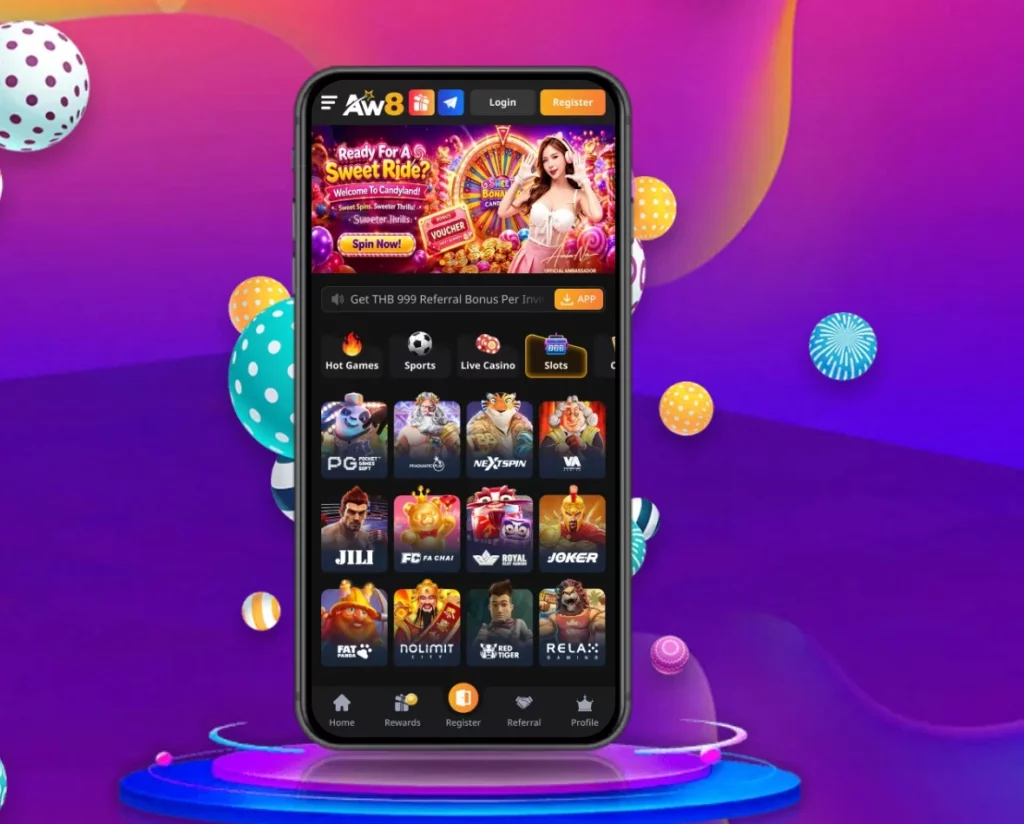
Lightweight Application Architecture for Smooth Performance
- Pre-Cached Assets: The app stores high-resolution graphical assets locally on your device, drastically reducing screen load times between game transitions.
- Low Latency Video Engine: Optimized compression protocols maintain stable 60 FPS streams for live dealer tables even on standard 4G and 5G cellular networks.
- Minimized RAM Footprint: Operates efficiently in the background without draining system memory or causing device overheating during extended sessions.
User-Friendly Interface Tailored for One-Handed Navigation
Navigating through thousands of slots, sports markets, and live tables is effortless on mobile screens:
- Thumb-Zone Placement: Core navigation menus, deposit buttons, and live chat shortcuts are positioned within easy reach of one-handed thumb navigation.
- Intuitive Category Filters: Filter titles seamlessly by game provider, volatility rate, feature mechanics, or popularity.
- Swipe-to-Switch Dashboard: Effortlessly slide between Sports, Live Casino, Slots, and Promotion tabs without returning to the main home screen.
Real-Time Push Notifications for Instant Bonus Alerts
Stay informed about time-sensitive platform updates and exclusive rewards:
- Instant Promo Alerts: Receive real-time push notifications for limited-time deposit matches, free spin giveaways, and weekend reload offers.
- Sports Match Updates: Track real-time score updates, market settlements, and cash-out alerts for your active sportsbook wagers.
- Account Transaction Tracking: Get immediate confirmation alerts whenever deposit approvals or withdrawal disbursements complete.
Installation Guide for Android Devices (APK)
Android users can install the native application by downloading the official aw8 apk package directly from the platform’s secure portal.
Step-by-Step Android APK Download & Permission Setup
1.Step 1: Download the Official APK File:
Open your Android web browser, navigate to the official platform homepage, and tap the App Download icon. Select Android APK Download to initiate the direct download of the latest verified installation file.
2.Step 2: Adjust Android Installation Permissions:
While the file downloads, go to your phone’s Settings > Security / Privacy menu. Enable the option to “Install Apps from Unknown Sources” (or allow your specific browser permission to install unknown apps).
3.Step 3: Complete Installation and Launch:
Open your file manager or browser downloads folder, tap the downloaded aw8 apk file, and select Install. Once completed, launch the application from your app drawer, log in, and begin playing.
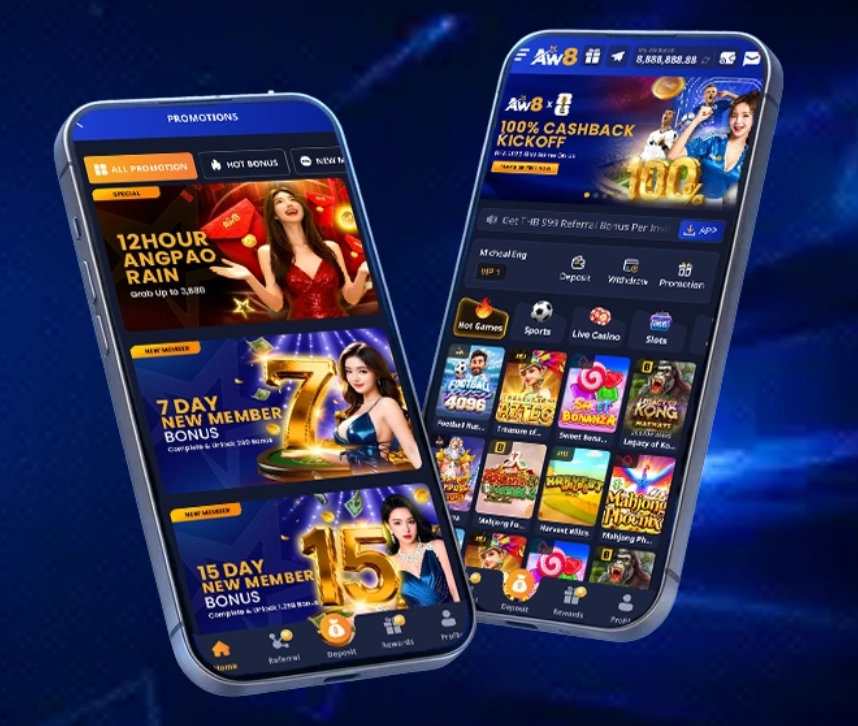
System Requirements & Compatibility List for Android
| Parameter | Minimum Requirement | Recommended Specification |
| Operating System | Android 7.0 (Nougat) or higher | Android 11.0 or newer |
| RAM Requirement | Minimum 2 GB RAM | 4 GB RAM or higher |
| Storage Space | 100 MB free internal storage | 250 MB free internal storage |
| Processor Speed | Quad-Core 1.5 GHz | Octa-Core 2.0 GHz+ |
| Network Connection | 3G / Stable Wi-Fi | 4G / 5G / High-Speed Wi-Fi |
Installation Guide for iOS Devices (Apple)
For iPhone and iPad users, the aw8 ios download procedure provides a streamlined configuration tailored specifically to Apple’s ecosystem.
| Bonustype | Bonusvoorwaarden / Beloning | Minimale Storting | Rondspeelvoorwaarde (Wager) |
| Welkomstbonus | 100% tot €500 + 200 Gratis Spins | €20 | 35x (bonusbedrag) |
| No Deposit Bonus | €10 Gratis Speelgeld of 50 Spins | €0 (Na verificatie) | 40x (winst uit spins) |
| Reload Bonus Weekend | 50% tot €250 elke vrijdag | €30 | 30x (bonusbedrag) |
| Wekelijkse Cashback | 10% tot 15% op netto verliezen | N.v.t. | 5x |
Step-by-Step Apple iOS Configuration Guide
1.Step 1: Initiate the iOS Download Link:
Launch the Safari browser on your iPhone or iPad and navigate to the official app download page. Tap the iOS Download button or scan the provided Apple QR code.
2.Step 2: Install Mobile Provision Profile:
Follow the screen prompt to download the configuration profile. When prompted, tap Allow to save the profile to your device settings.
3.Step 3: Trust Enterprise Developer Profile:
Navigate to Settings > General > VPN & Device Management on your iOS device. Select the designated corporate enterprise profile and tap “Trust”. Return to your home screen and launch the app.
System Requirements & Device Compatibility for iOS
| Parameter | Minimum Requirement | Recommended Specification |
| Operating System | iOS 12.0 or higher | iOS 15.0 or newer |
| Compatible Devices | iPhone 7, iPad Air 2 or newer | iPhone 11 series, iPad Pro, or newer |
| Storage Space | 120 MB available space | 300 MB available space |
| Authentication | Passcode / TouchID | FaceID / TouchID |
Mobile vs Desktop: Why Play via the AW8 App?
While browser-based desktop gaming provides a large-screen viewing experience, mobile application gaming delivers unmatchable speed, enhanced privacy, and exclusive device features.
Enhanced Security with Biometric Login (FaceID / Fingerprint)
- Instant Access: Log in securely within seconds using Apple FaceID, TouchID, or Android fingerprint recognition without typing passwords manually.
- Protection Against Keyloggers: Bypasses software keyloggers by eliminating text-based password inputs on public Wi-Fi networks.
- Automated Fraud Prevention: Biometric checks protect withdrawal approvals and sensitive account profile modifications.
Lower Data Consumption and Faster Loading Speeds
- Reduced Network Load: Because core UI elements and graphic frameworks are stored directly on your phone via the aw8 apk or iOS installation package, the app only downloads lightweight live odds data and spin results.
- Bandwidth Optimization: Consumes up to 60% less mobile data compared to repeatedly loading full web pages inside mobile internet browsers.
- Automatic Mirror Routing: The app includes automated domain-routing logic that automatically connects you to active, high-speed backup servers if your ISP experiences local network congestion.